

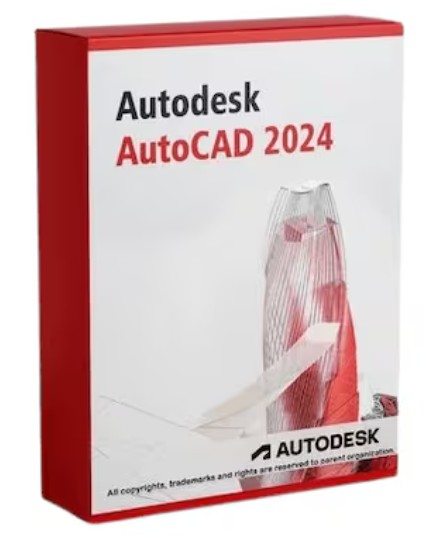
Autodesk Navisworks Manage 2024 (PC) (1 Device, 1 Year) – Autodesk Key – GLOBAL

£7.00
Purchase Autodesk Navisworks Manage 2024 for PC and streamline your project management with a 1-year global digital key. Activate and enhance your design review processes efficiently—ideal for professionals seeking reliable software solutions.
23 in stock
Overview
Autodesk Navisworks Manage 2024 (PC) offers comprehensive project review solutions for architects, engineers, and construction professionals. This powerful software facilitates 3D model review, clash detection, and construction simulation, streamlining workflows and enhancing collaboration across teams. With the global Autodesk Key for 1 device over 1 year, experience seamless design coordination and improved project outcomes. Whether you’re aiming for accurate scheduling or efficient change management, Navisworks Manage 2024 provides the tools needed to optimize every phase of your project.
Key Features
- Advanced 3D model review tools for better visualization and analysis.
- Enhanced clash detection to identify and resolve conflicts early in the design process.
- Integration with BIM 360 for improved project data management.
- Comprehensive construction simulation to anticipate potential issues.
- TimeLiner tool for 4D simulation and scheduling improvements.
- Interoperability with various CAD file formats for streamlined workflows.
- Accurate quantification tools for precise material takeoff.
- Collaboration features for effective team communication and project tracking.
- Global access to Autodesk updates and technical support.
Activation Instructions
1. Ensure your PC is connected to the internet.
2. Download and install Autodesk Navisworks Manage 2024 from the official Autodesk website.
3. Launch the software and select “Activate” on the startup interface.
4. Enter your Autodesk Navisworks Manage 2024 product key.
5. Follow the on-screen instructions to complete the activation process.
Why Buy From Us
- Instant digital delivery for fast and convenient access.
- 100% genuine activation keys ensuring full software functionality.
- Secure checkout process for peace of mind during purchase.
- Trusted global supplier with a proven record of customer satisfaction.
| Platform | Autodesk |
|---|---|
| Region | GLOBAL |
Only logged in customers who have purchased this product may leave a review.
Frequently Asked Questions
Delivery is instant through your email after payment.
Yes, all keys and subscriptions are 100% genuine and verified.
Instant delivery. No waiting.
We replace it through support.
Most products are global unless stated otherwise.
Related products



Reviews
There are no reviews yet.